Introduction
This project started with a simple but fun idea:
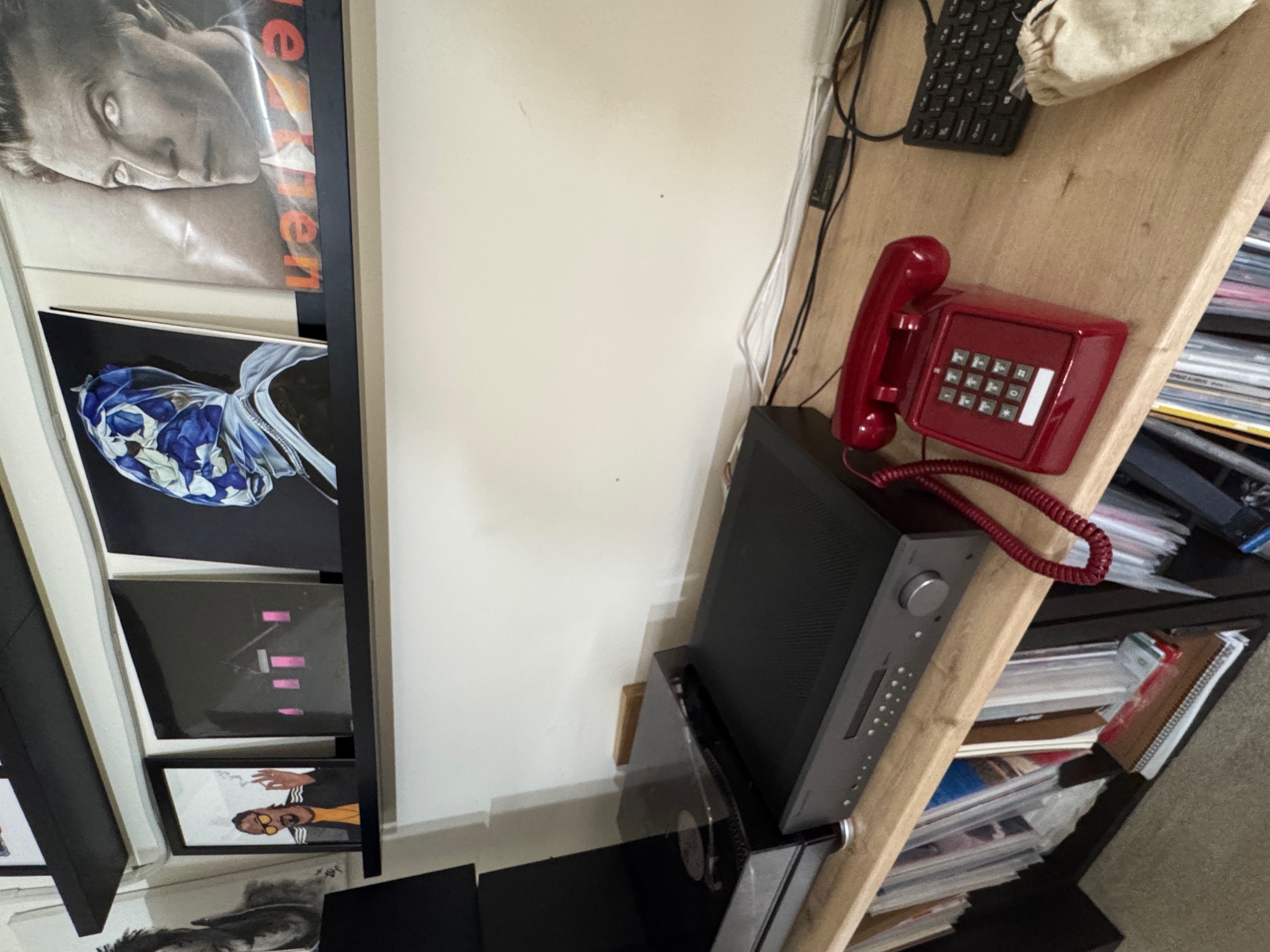
Could I take an old red telephone ☎️ (a classic analogue phone), and make it part of a modern AI-powered smart home?
Here’s the dream:
- Pick up the red phone → speak to an AI assistant (the assistant speaks back via Text-to-Speech on the phone line)
- Control smart home devices (lights, music, sensors, etc.)
- Ask questions and interact with the AI by phone
- Allow family and friends to call in from the outside world
- Allow myself to make calls out from my home phones to any normal phone
How the AI-Powered Home Phone System Works
Starting Point: Home Assistant VOIP
I began by following the Home Assistant VOIP integration guide and using a Grandstream Analogue-to-VoIP adapter.
This allowed the red phone to directly call Home Assistant — triggering automations and interacting with the assistant without needing a full PBX.
Expanding with a PBX
To take the project further, I added a full PBX (Private Branch Exchange):
- Enables inbound and outbound calls using a real UK phone number
- Allows me to use softphones on mobile devices
- Provides voicemail, backups, notifications, and advanced call routing
- Sets the stage for future integrations — like replacing my video doorbell with a SIP-based intercom fully integrated into both the PBX and Home Assistant
Why the PBX?
A full PBX isn’t strictly required for this project — the Home Assistant VOIP integration works great with just a Grandstream device.
However, running my own PBX gives me greater flexibility:
- Inbound/outbound calls on a real number
- Softphones
- Multi-extension management
- The ability to replace a video doorbell with a SIP intercom
- Local-only operation with no reliance on cloud services
(The only ongoing cost is a minimal fee for the UK number and SIP trunk.)
How It Runs
The PBX runs virtualised on Proxmox — an open-source hypervisor platform.
It works much like the VMware ESXi systems I used to run years ago.
I can spin up virtual machines and containers, keeping the PBX isolated but flexible — perfect for tinkering and future upgrades.
What I Did Today
1️⃣ Set Up a PBX Server
- Installed PBX software to act as my home phone switchboard.
- The PBX manages calls between devices in the house and connects to the outside phone network.
2️⃣ Connected the Red Phone
- Used a small device (VOIP adapter) to connect the analogue red phone to the PBX.
- The red phone now acts like a modern phone, linked to the phone system.
3️⃣ Tested with Mobile Softphone
- Installed a phone app on my mobile phone that connects to the PBX.
- I can now use my mobile to make and receive calls over Wi-Fi, as if it were an extension of the home phone system.
4️⃣ Connected to the Outside World
- Set up a virtual phone number (a real UK phone number).
Now:- Friends/family can call the home number, and the red phone rings.
- I can use any home phone to call out to normal phone numbers.